Decal Project
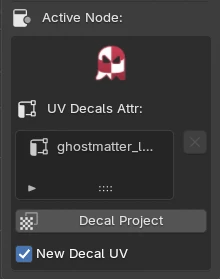
The Decal Project Tool is in the Active Node Properties of the GMAT panel in the 3D View. It appears when an Image Texture node is active in the GhostTree — that node holds the decal texture to project.
What's it for ?
Interactive creation of a dedicated UV attribute for mapping a decal onto your mesh, straight from the current view. The projected UVs are stored in a generic FLOAT2 attribute (vertex domain), read back by a UV Attr node.
Tip
Because the projected UVs are stored as a generic attribute (not a UV Map), they do not count against Blender's limit of 8 UV Maps — you can project as many decals as you need.
Interactive mapping
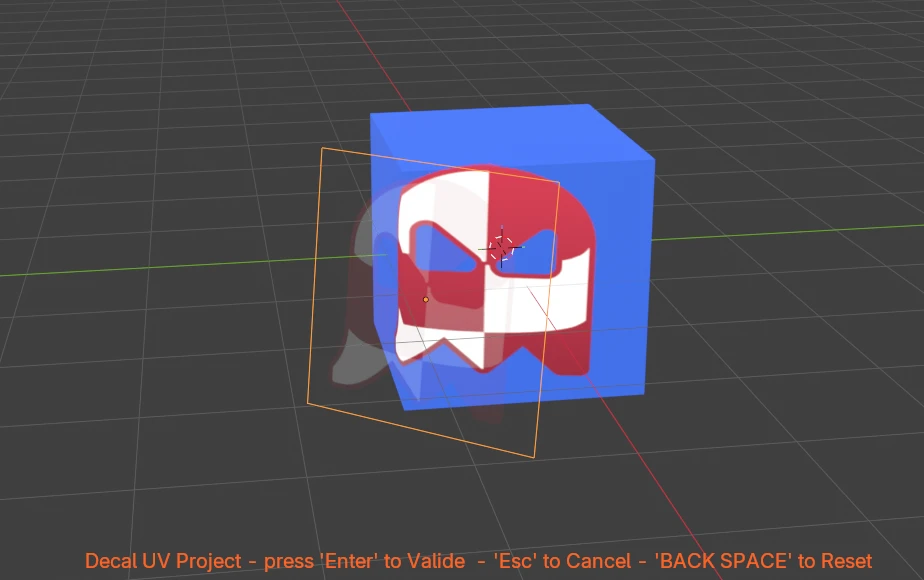
Click Decal Project, then place the decal in the viewport (move / rotate the view to aim it). Press Enter to validate, Esc to cancel, Back Space to reset.
The projection also bakes a mask (a vertex color attribute) so the decal only appears on the faces that face the view — see Front-face mask below.
Options
- New Decal UV — on: each projection creates a new UV decal (and its mask). off (update mode): the projection overwrites the selected decal in the list below — its UV attribute and its mask are updated in place, no duplicate.
- Face Angle — max angle (degrees) between a face normal and the view axis for the face to be kept in the mask. Lower = stricter (ignores grazing faces); 90 = keep everything. Back-facing faces are always excluded.
- Occlusion — when on, faces hidden behind other faces (folds, overlaps) are excluded from the mask via a raycast toward the projector.
Decal list
The list shows the object's existing UV decals. Select one and, with New Decal UV off, the next projection overwrites it. Use the X button to delete a decal attribute.
Front-face mask
Projecting from a view maps the texture onto every face along the projection axis — including the back and hidden faces. To avoid this, the tool paints a mask vertex color (white = keep, black = hide) and plugs it into the Image node's Alpha filter. A face is masked in when:
- its normal faces the view within the Face Angle threshold, and
- (if Occlusion is on) it is not hidden behind another face.
Note
The mask is a per-vertex color attribute, so the object needs enough subdivision for a clean decal edge.
Result
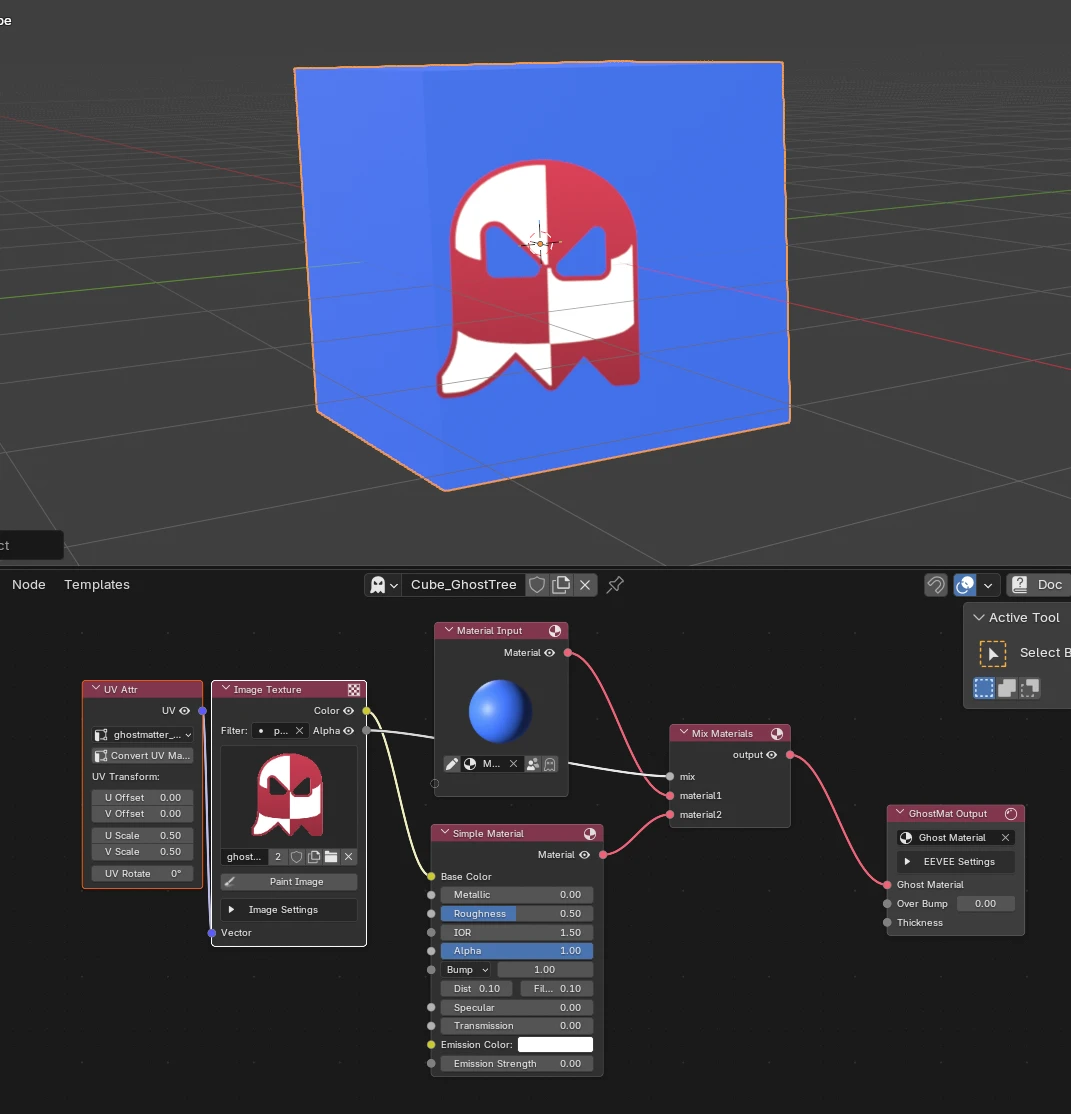
A UV Attr node is created and connected to the Image node, and the Image node's extension is set to Clip.
Procedure
