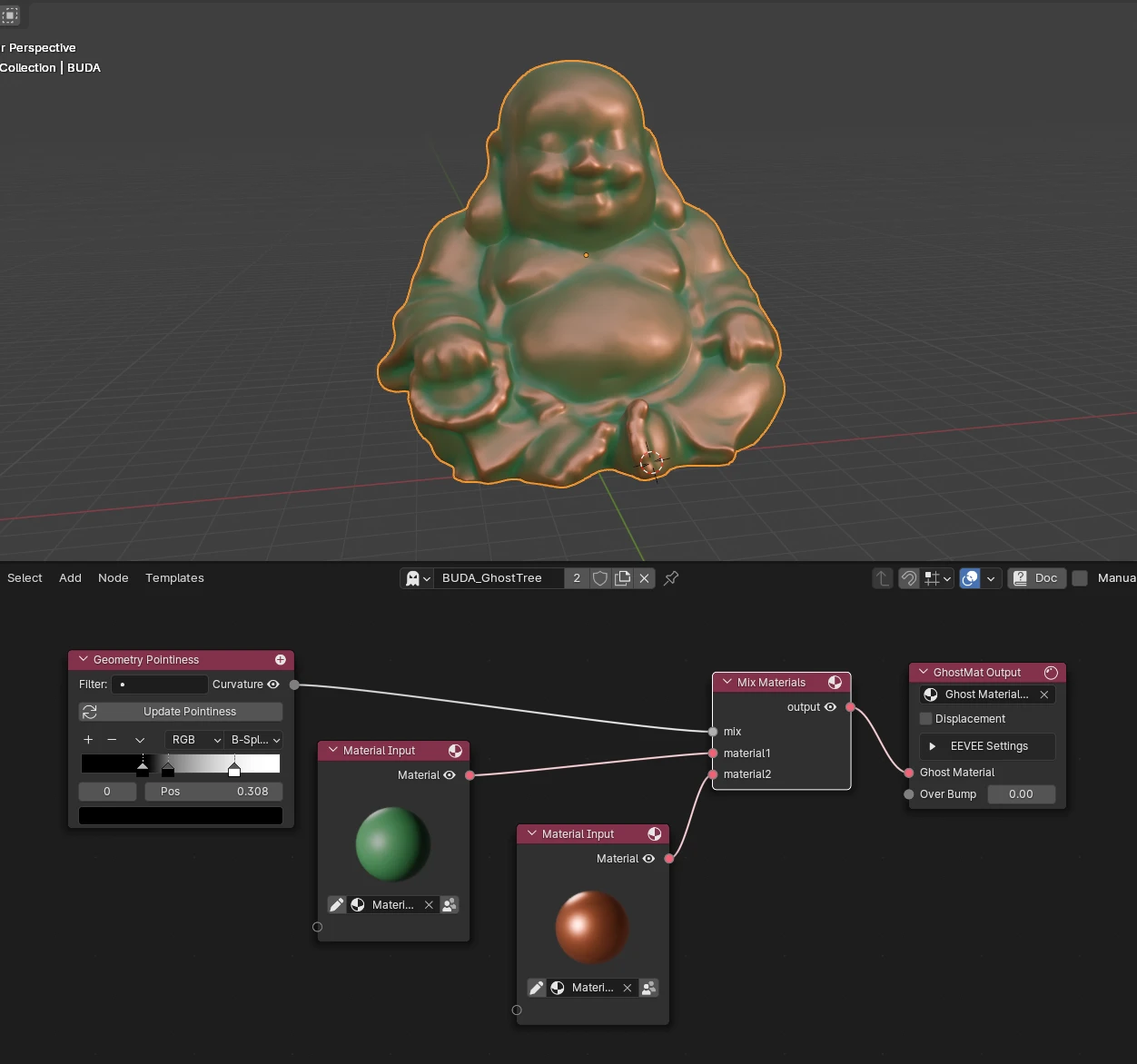
Geometry Pointiness
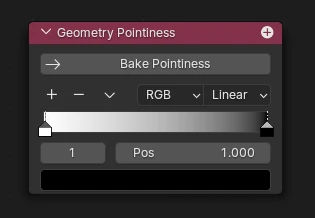
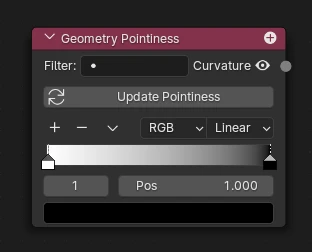
What's it for ?
Gives you the mesh's pointiness (curvature) — a value that is high on convex edges / ridges and low in concave crevices / cavities. Perfect to drive edge wear, dirt in recesses, cavity shading, edge highlights, etc.
Pointiness is baked into a vertex-color attribute (ghostmat_pointiness), so it works in EEVEE, stays fast, and can be blurred/smoothed — unlike the Cycles-only Pointiness geometry output.
Bake / Update
The node shows a single button whose label depends on whether the pointiness has been baked yet on the active object:
- Bake Pointiness (first time) — computes the curvature and stores it in a
ghostmat_pointinessvertex-color attribute on the object. You must bake once before the node outputs anything. - Update Pointiness (already baked) — re-bakes to refresh the attribute. Run it whenever the mesh changed — you deformed, sculpted, remeshed or edited it — so the pointiness matches the new shape.
Tip
The result is baked, not live: it doesn't follow deformation automatically. After any change to the geometry, hit Update Pointiness to refresh it.
Note
Baking creates a color attribute named ghostmat_pointiness (POINT domain) on the object. It's the data the node reads back — don't delete it while the node is in use.
Color Ramp
Use the built-in color ramp to remap the raw curvature — boost contrast, or isolate just the edges or just the cavities before sending the value downstream.
Output
- Curvature — the remapped pointiness value; plug it into masks, mixes or any input to drive edge/cavity effects.
Setup Example