Decal Project
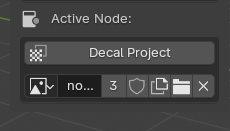
The Decal Project Tool is in the Active Node Properties in GMAT panel of the 3Dview.
It appears if a Image Texture Node is active in the GhostTree. This node points to the decal texture prejected.
What's it for ?
Interactive creation of specific UV layer for mapping decals
Tip
Blender limits the number of UV Layer at 8. If you don't have enough UV layer, you can bake mutilples Decal Image in one with the Utils/Image Baker node. (2 bakes: color and alpha)
Parametters
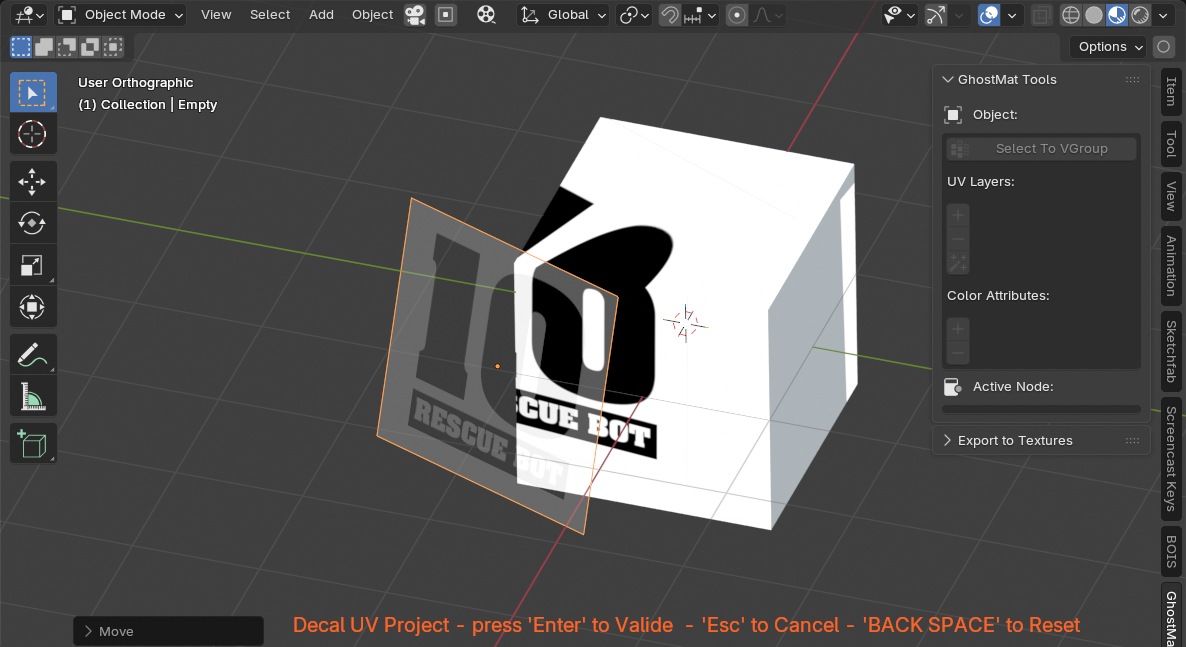
interactive mapping
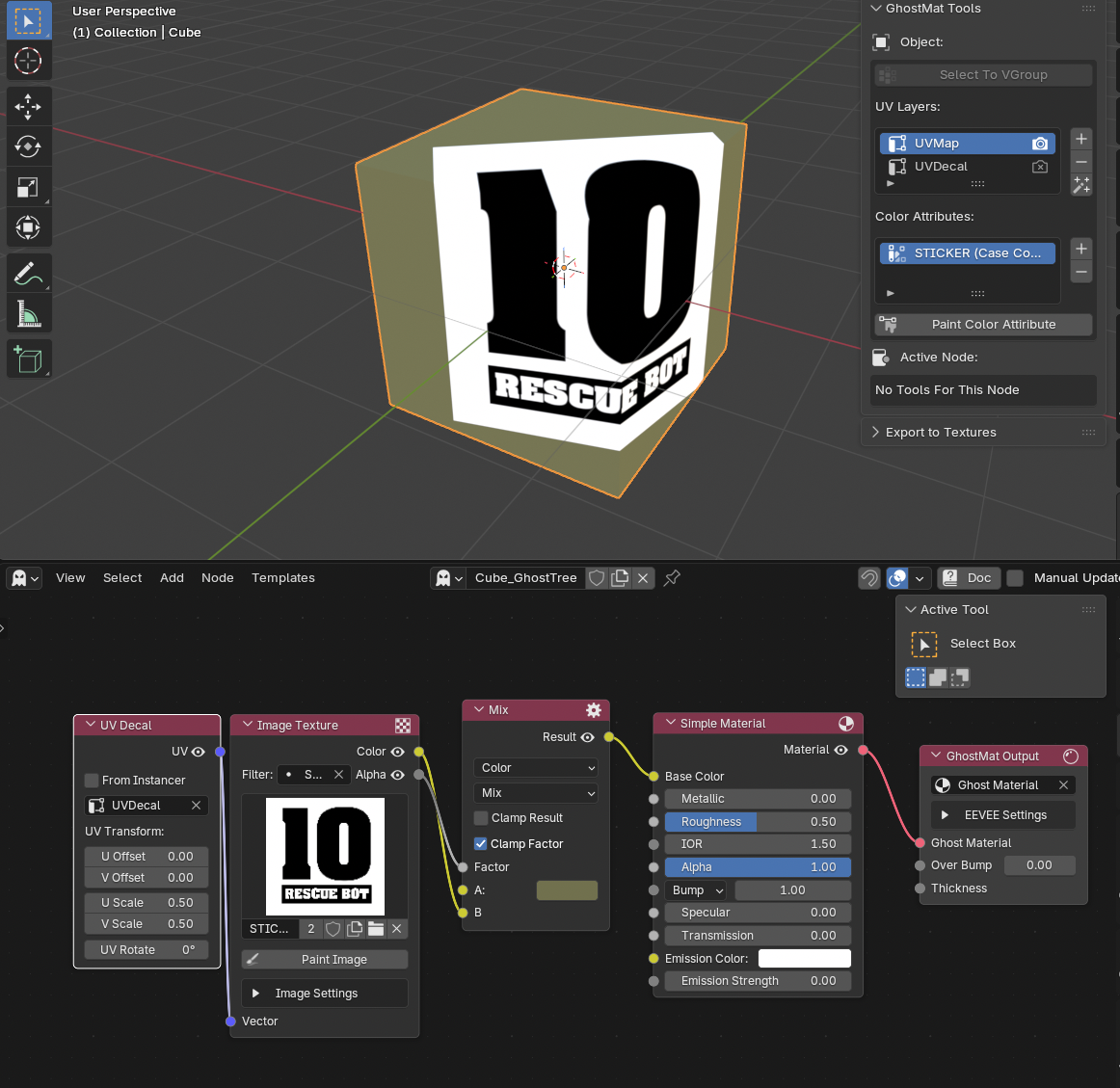
result: a UV Decal Node is created and connected to the Image Node
Procedure

Note
Object needs a minimum of definition to have a good expression of the color attribute